How to export VSDX and JSON from Lucidchart
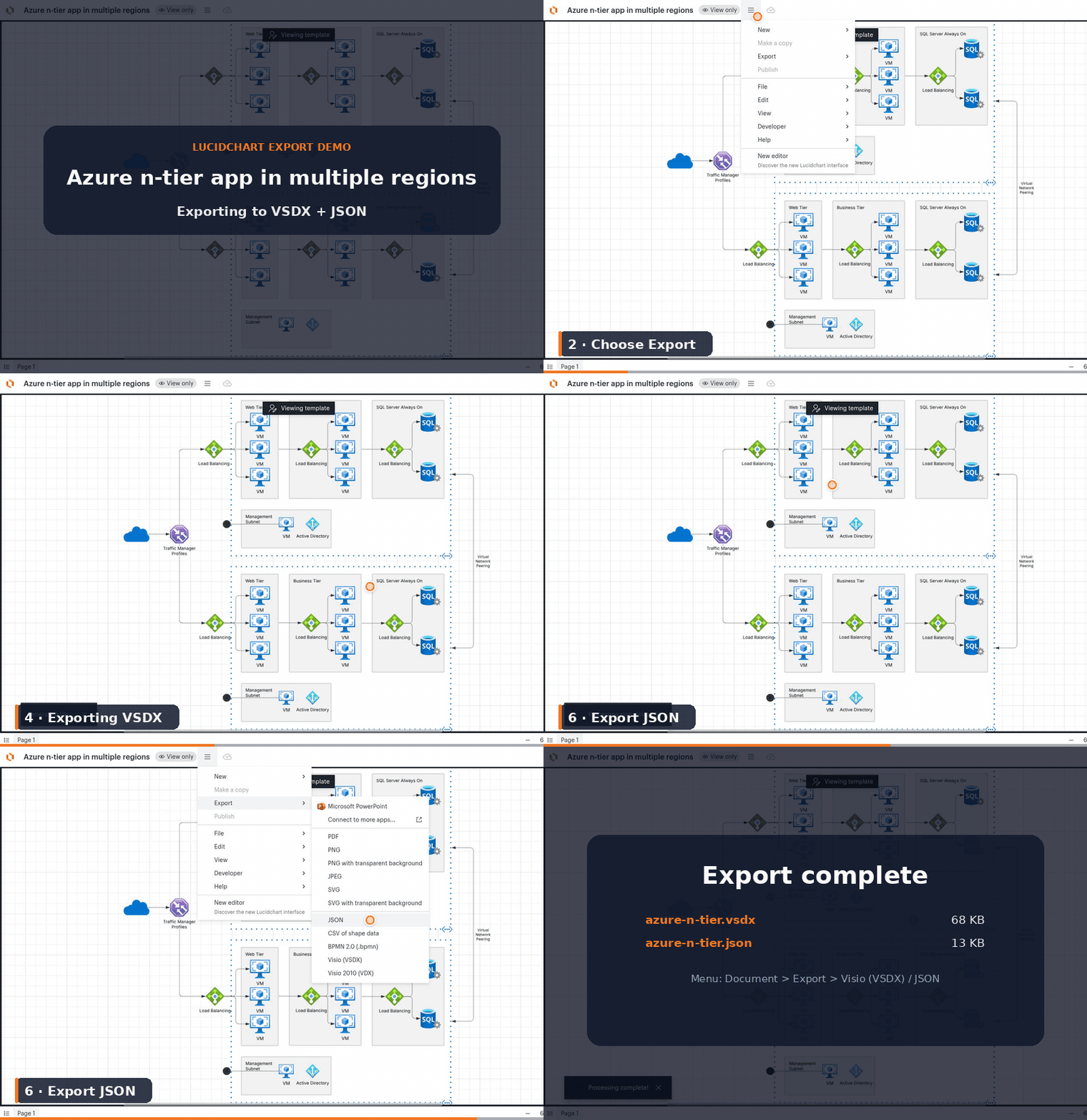
LucidEscape needs two exports from the same Lucidchart document: the JSON file and the VSDX file. Here is how to get both.
- 1
Open the document
In Lucidchart, open the diagram you want to move to draw.io.
- 2
Export as VSDX
File → Export → VSDX. Save the .vsdx file.
- 3
Export as JSON
File → Export → JSON. Save the .json file.
- 4
Upload both files
Return to the converter, drop in the matching .json and .vsdx pair, and get an editable draw.io file back.